

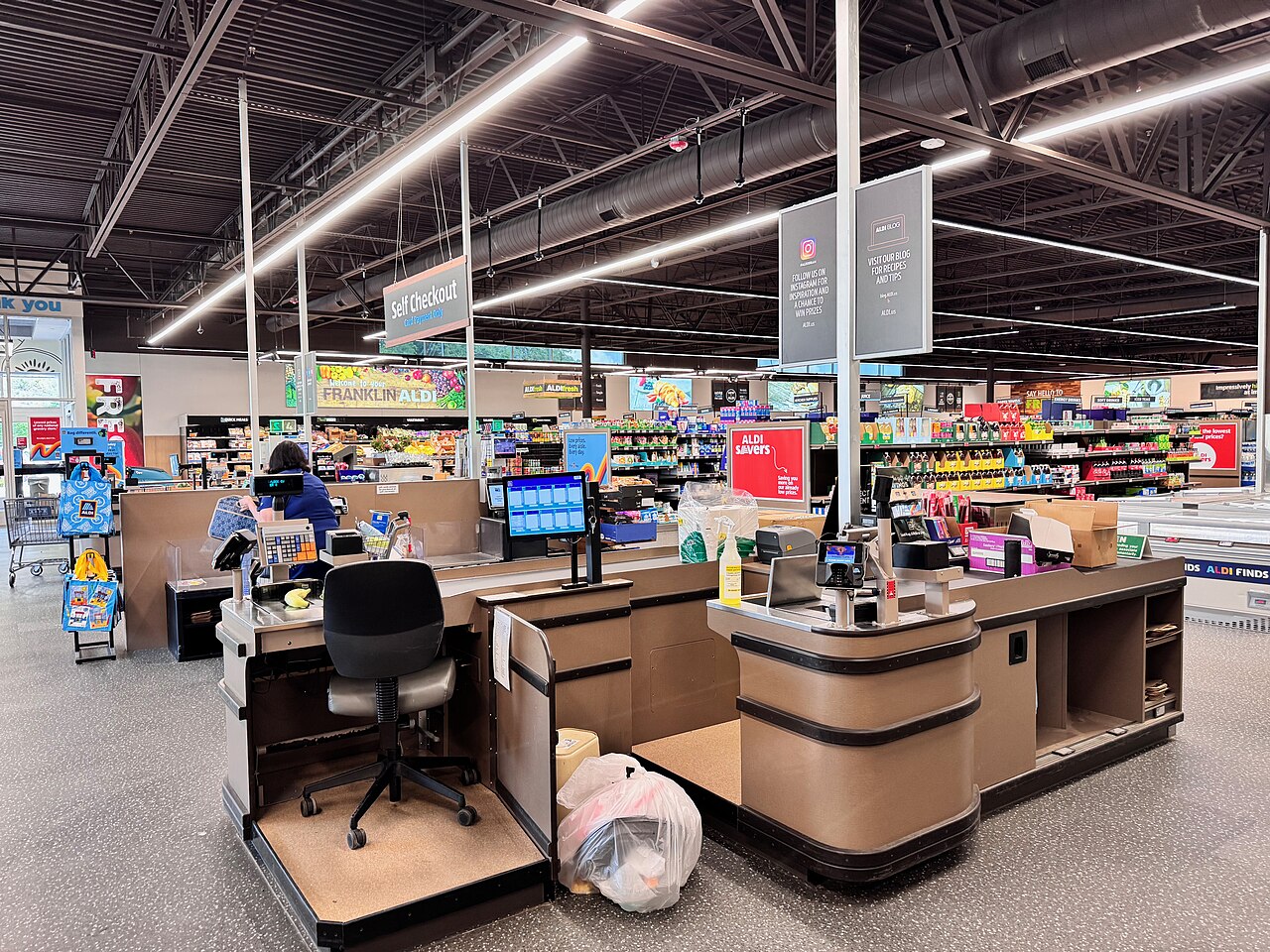
You walk into Aldi planning a quick grab-and-go trip, but a self-checkout glitch can suddenly tack on extra minutes — or more — at the register. If discounts or promotions don’t apply at the machine, you’ll need staff intervention to fix your total, which can turn a fast stop into a frustrating delay.
They’ve started changing checkout setups at some stores and removing self-checkout in places, and those shifts are already sparking long lines and annoyed shoppers. This article will unpack what the glitch looks like, why stores are altering checkout options, and what you can do to avoid being stuck at the register.
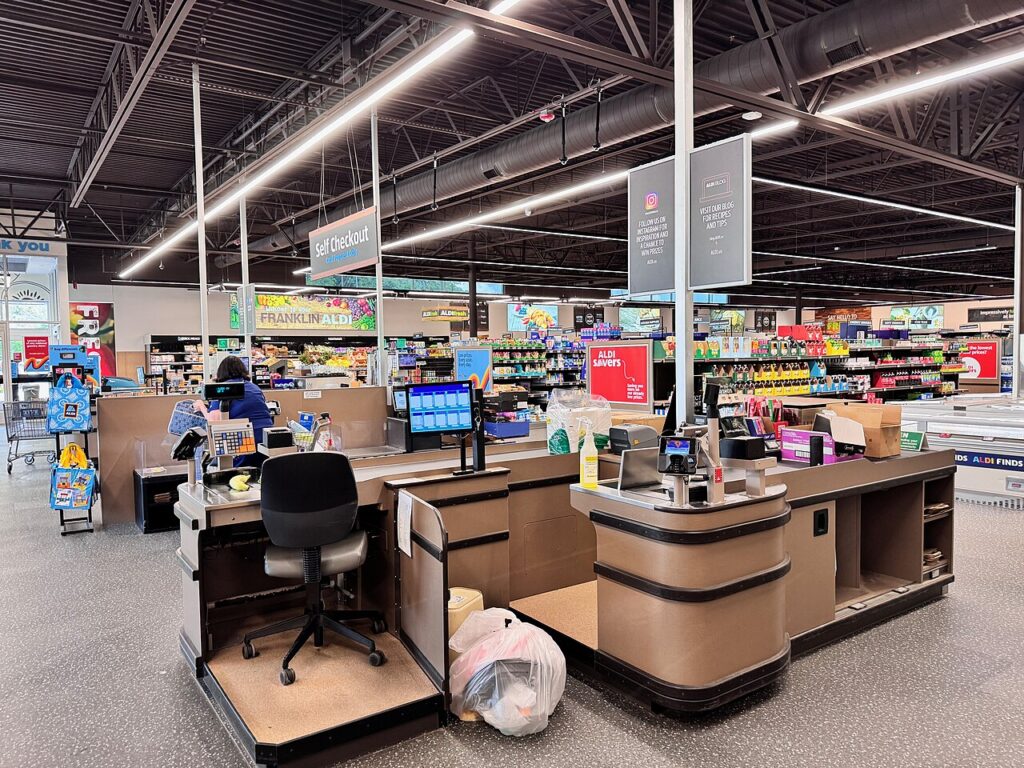
The Checkout Glitch Putting Aldi Shoppers on Edge
Aldi shoppers report that discounted items sometimes scan at full price and require staff intervention, turning quick runs into longer waits. The problem mostly shows up at self-checkout kiosks and can affect % off stickers, multi-buy deals, and clearance prices.
How Discounted Items Trigger Issues at the Register
When an item carries a % off sticker or a reduced-price label, the barcode often still links to the original price in the register system. At self-checkout kiosks the terminal will accept the barcode scan and ring up the higher amount, because the discounted barcode hasn’t been updated or flagged in the kiosk database. That leaves customers staring at a higher subtotal and needing staff to confirm the discount.
This issue also appears with multi-buy promotions where two-for pricing requires a backend override. At some Aldi stores the discounted SKU must be manually applied, so the automatic discount that works on a normal till fails at self-service. Shoppers who skip checking their receipt can end up paying more.
Manual Discount Entry and The Discount Button Explained
Aldi staff must press a “discount” or override button to apply the reduced price when the kiosk doesn’t do it automatically. The button triggers a manual price adjustment tied to the cashier’s terminal or a staff override code. At self-checkout the employee usually comes over, inputs the discount, and confirms the corrected price.
This manual step means discounts aren’t truly self-service: the kiosk flags the item but can’t change the stored barcode price. Employees at Aldi stores say the process is necessary for accuracy, but it adds friction—especially during busy hours when staff are needed elsewhere. Customers sometimes wait in the normal till queue instead because staff availability is limited.
Why a Quick Trip Turns Into a Long Wait
Aldi shoppers expecting a swift in-and-out trip face delays when a staff member has to leave their post to fix one self-checkout transaction. One-person or short-staffed shifts lengthen the time customers wait for help, and that creates a bottleneck at nearby tills. If multiple discounted items trigger the same issue, the delay multiplies.
Self-checkout lanes that require manual intervention also slow store flow: employees must walk over, locate the discount in the POS, and authorize it—steps that take longer than scanning and bagging at a normal till. During peak times, customers may abandon self-checkout and join the normal till queue, increasing overall queue length and frustration.
Customer Experiences Highlighting the Problem
Customers in the large Aldi Facebook group and on Reddit have posted screenshots and receipts showing full-price charges for items with % off stickers. Many report staff correcting the price only after they point it out, while others say they noticed the discrepancy only at home. Those posts often warn fellow Aldi shoppers to check receipts immediately.
Comments describe mixed reactions: some shoppers avoid self-checkout altogether now, preferring the normal till queue for guaranteed manual discount handling. Others accept the extra step but urge clearer signage in stores about asking staff for discount help. Multiple posts link the problem to how Aldi updates its barcode pricing in store systems.
Aldi’s Checkout Evolution and Shopper Reactions
Aldi adjusted checkout formats in select stores, removing some self-checkout kiosks and opening more staffed tills. Shoppers report slower trips, longer normal till queues, and active discussion in Aldi Facebook groups about which locations still have kiosks.
The Rise and Removal of Self-Checkout Kiosks
Aldi introduced self-checkout kiosks to speed short visits and cut labor costs, and many stores adopted them for express trips. Over time, some locations rolled kiosks back into staffed tills as part of tests to improve throughput and reduce shrinkage.
Shoppers noticed patterns: stores that removed kiosks often increased the number of open cashier lanes, but still saw longer queues during peak hours. Employees and managers in community posts said decisions were site-specific, not a chain-wide elimination; self-checkout remains at many Aldi stores. For readers who want specifics, contact your local store or check posts in regional Aldi Facebook groups where customers report current kiosk availability.
Impacts of Glitches on Store Efficiency
When kiosks work they speed single-item and small-basket trips. When a glitch hits — card reader freezes, barcode scanner misreads, or a software timeout — one stalled kiosk can block express shoppers and force them into the normal till queue.
Glitches increase average transaction time and can cascade into longer lines across registers. Staff must either troubleshoot the machine or move customers to staffed tills, which temporarily reduces cashier coverage. In forums and local reports, shoppers describe waits of 20–45 minutes after kiosks fail during busy hours, making quick stops turn into long outings.
Community Tips for Navigating Checkout Hiccups
Shoppers recommend simple tactics to avoid being trapped by a faulty kiosk. Check your local Aldi’s parking-lot signage or recent posts in Aldi Facebook groups for reports on kiosk availability before shopping.
At the store, choose a staffed till when the express lane has more than two people or when kiosk screens show errors. Keep payment methods ready — contactless cards or mobile pay often clear faster when machines are temperamental. If a kiosk stalls, notify staff immediately and consider switching lanes rather than waiting; many members in community threads say this saves 10–20 minutes on average.
More from Vinyl and Velvet:

Leave a Reply